Features
Launch apps without leaving your mouse
Most launchers make you type. OrbitRing opens a ring of your apps right under your cursor with a three-finger tap, a middle click, a side button or Option + Space, so your hand stays where it already is.
Opens at your cursor
No trip to the Dock or the menu bar. The ring appears wherever your pointer is, even on a large or second display.
Mouse, trackpad or keyboard
Three-finger tap, a hot corner, middle click, side buttons 4 and 5, or Option + Space. Use whichever your hand is on.
Nothing to type
You pick an app by direction, not by name. No search results to read before you confirm.
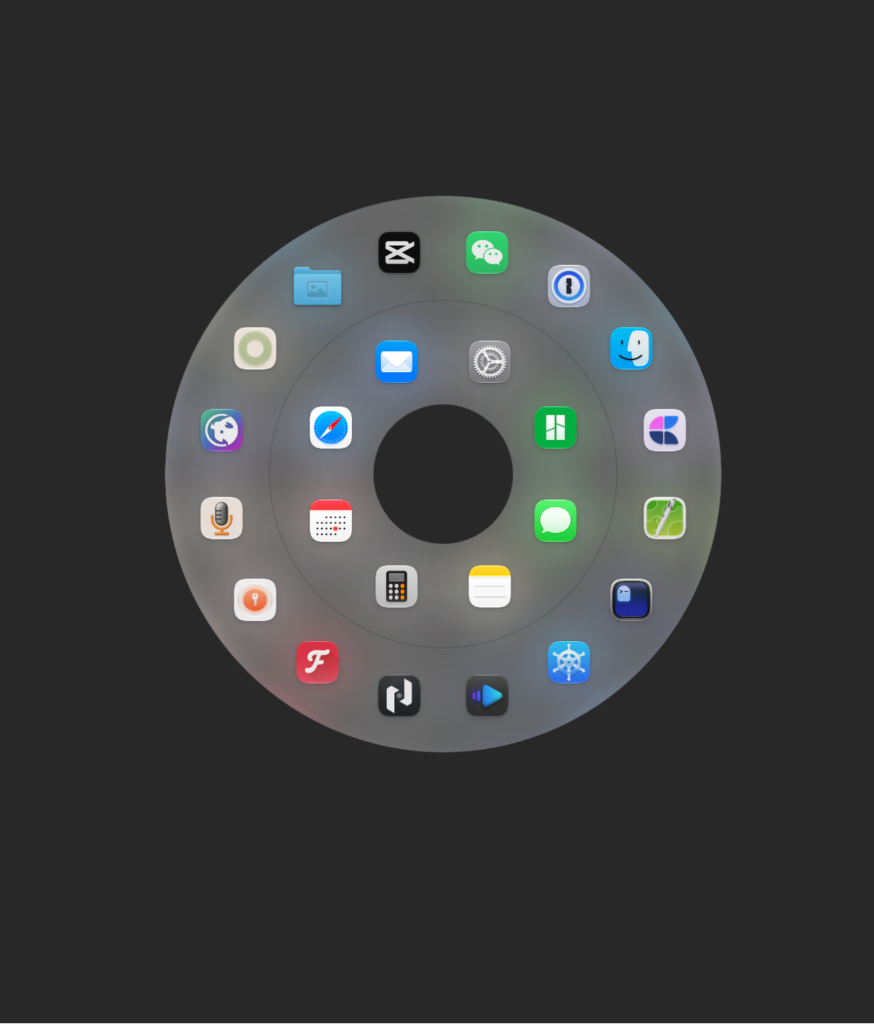
Eight directions, up to eight rings
Every slot keeps a fixed direction, so after a few days you launch by feel: press, flick, release, in under 0.3 seconds. When one ring isn't enough, scroll to the next.
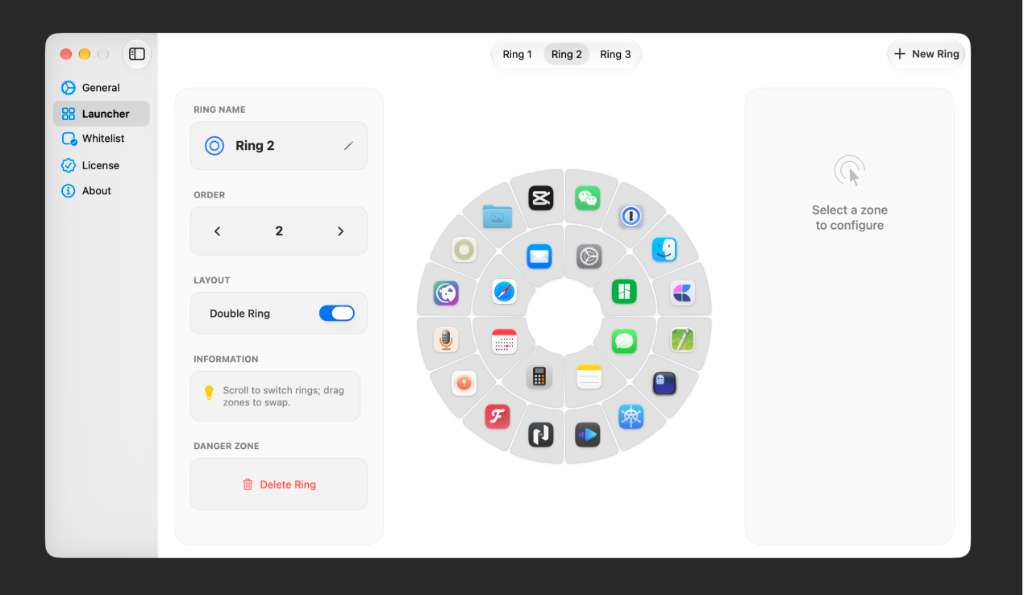
Fixed positions
Each app stays at its angle, like the hours on a clock, so your hand learns where it is.
Up to 8 rings
Group apps by project or task and switch rings with the scroll wheel or a two-finger scroll. OrbitRing reopens the ring you used last.
Room to grow
Turn any ring into a double ring with 24 slots, or make a slot an expansion slot that opens into 6 more.
More than apps, lighter than you'd notice
Put the things you open all day in the ring, not just apps. OrbitRing is built in Swift for macOS and stays out of the way until you call it.
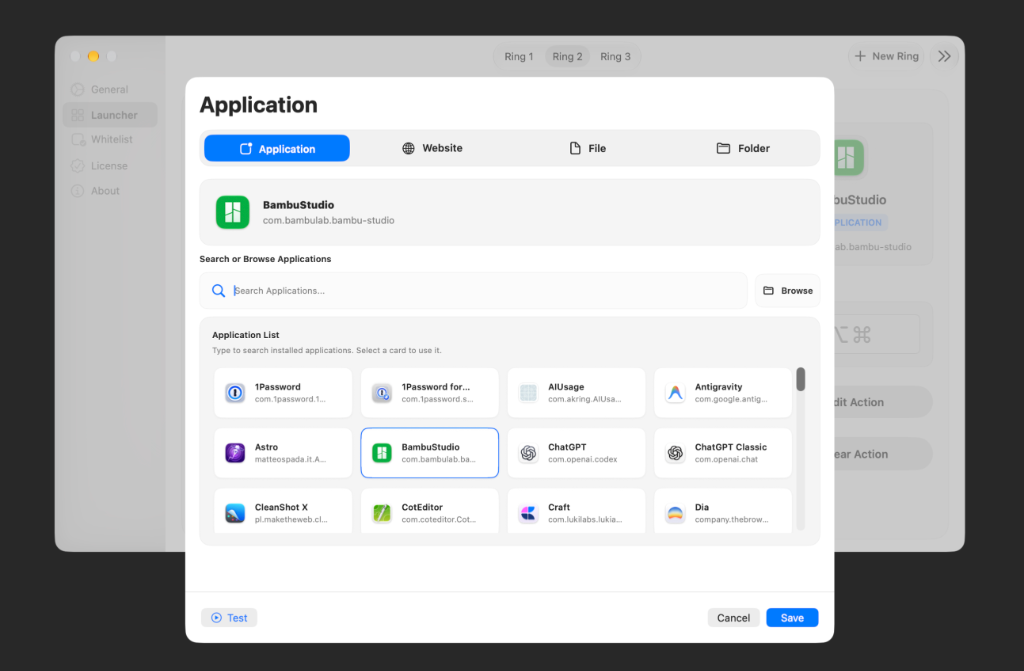
Apps, websites, folders and scripts
Any app, URL, folder, document or .sh script fits in a slot.
Native and lightweight
Under 25 MB of memory and 0% CPU while idle, on Apple Silicon and Intel Macs.
Works with your other tools
Keep Spotlight, Raycast or Alfred for search. OrbitRing handles the apps you open dozens of times a day.
Pricing
Pay once. Keep it for good.
Try every feature free for 7 days. If OrbitRing earns its place on your Mac, unlock it with a single purchase — no subscription, no account.
$5.99one-time purchase
- 7-day free trial with every feature
- No subscription
- No device limits
- Apple Silicon and Intel, macOS 10.15+
Price shown in USD. Your local App Store price may differ.
OrbitRing creates a circular interface that brings your favorite apps within reach of your mouse or trackpad. With simple gestures, you can quickly launch applications without digging through folders or searching. It's designed to make your workflow smoother, faster, and smarter.
Absolutely! You can fully customize your orbit by adding, removing, and organizing apps to suit your specific workflow. Create a personalized launcher that adapts to your needs, not the other way around.
Not at all. OrbitRing is designed to be lightweight with a minimal footprint. It blends perfectly with macOS and offers smooth performance without affecting your system resources. It's always ready when you need it, without slowing down your Mac.
OrbitRing is compatible with macOS 10.15 (Catalina) and newer versions. We regularly update the app to ensure optimal performance with the latest macOS releases.
Getting started is simple! After installation, OrbitRing will guide you through a quick setup process. You can immediately begin adding your favorite apps to your orbit and customize the appearance and behavior to your liking. If you need help, our support team is just an email away.